mejust now
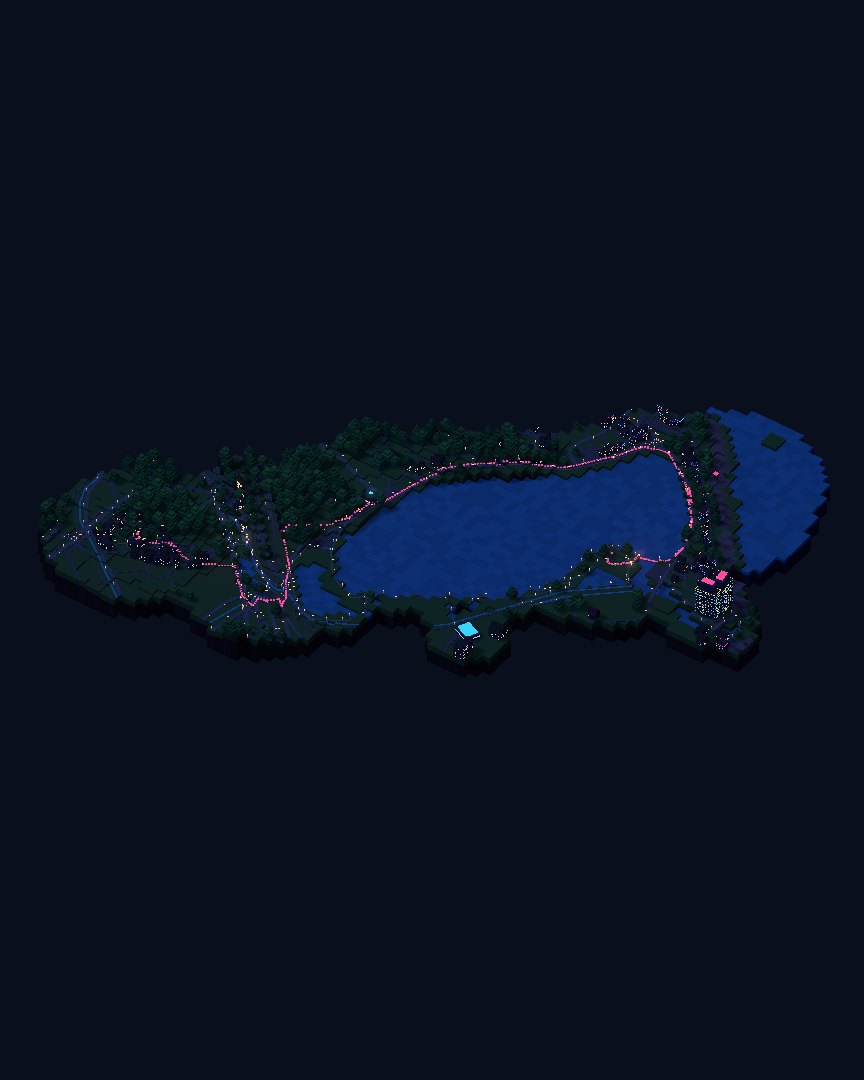
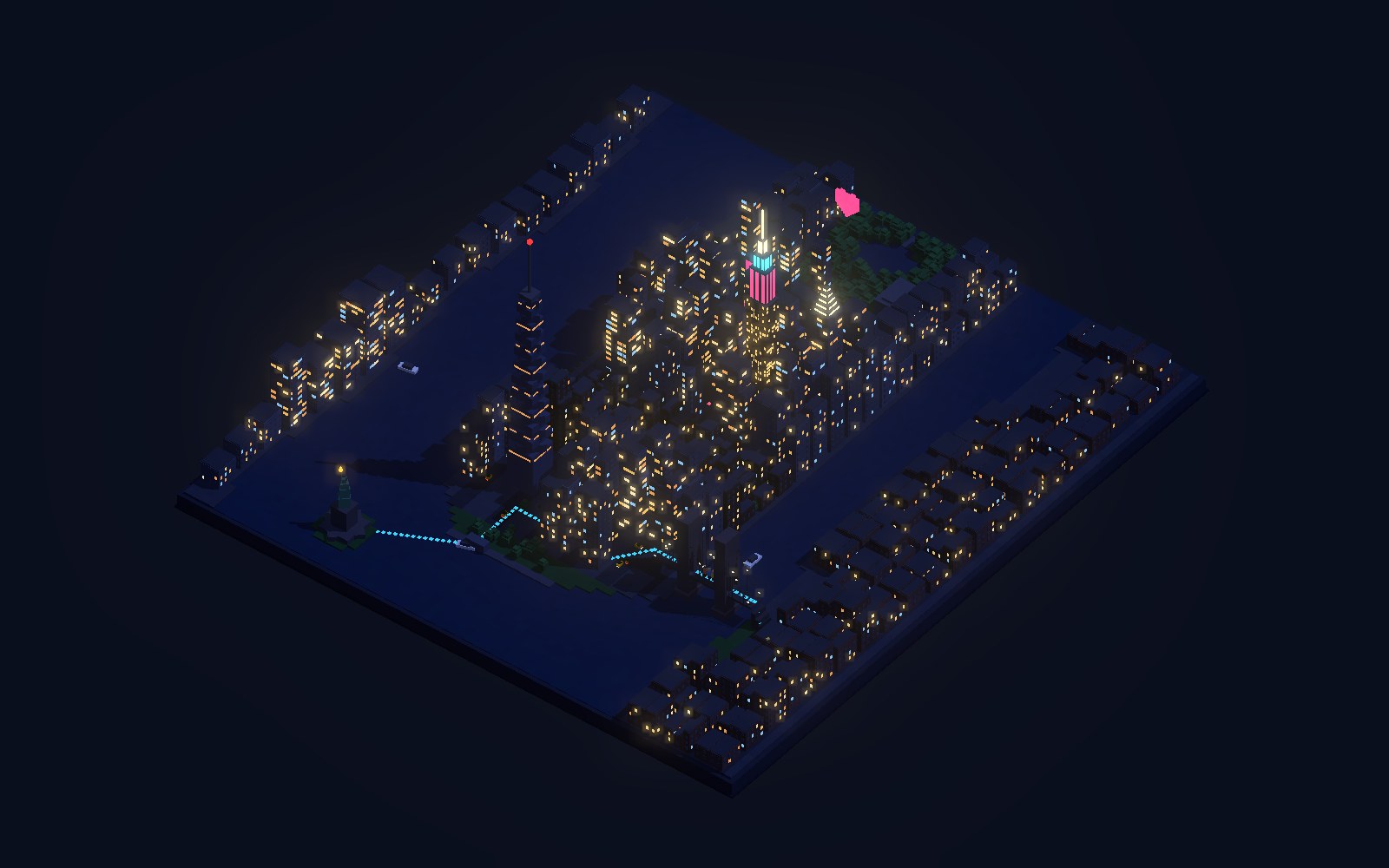
Every place you visit lights up.
The same map becomes a place like no other once it holds the path you walked, the photos you took and the landmark you styled.
Not a flat photo but a small space you can turn and look into, built from the real map.
Speciai plans the days, reads the map, builds the model and puts each memory in its place. The finishing touch is yours.
speciai = special + space + ai
Each card shows the line that made it, the style, and whether it was generated from map data or hand-made as a concept.
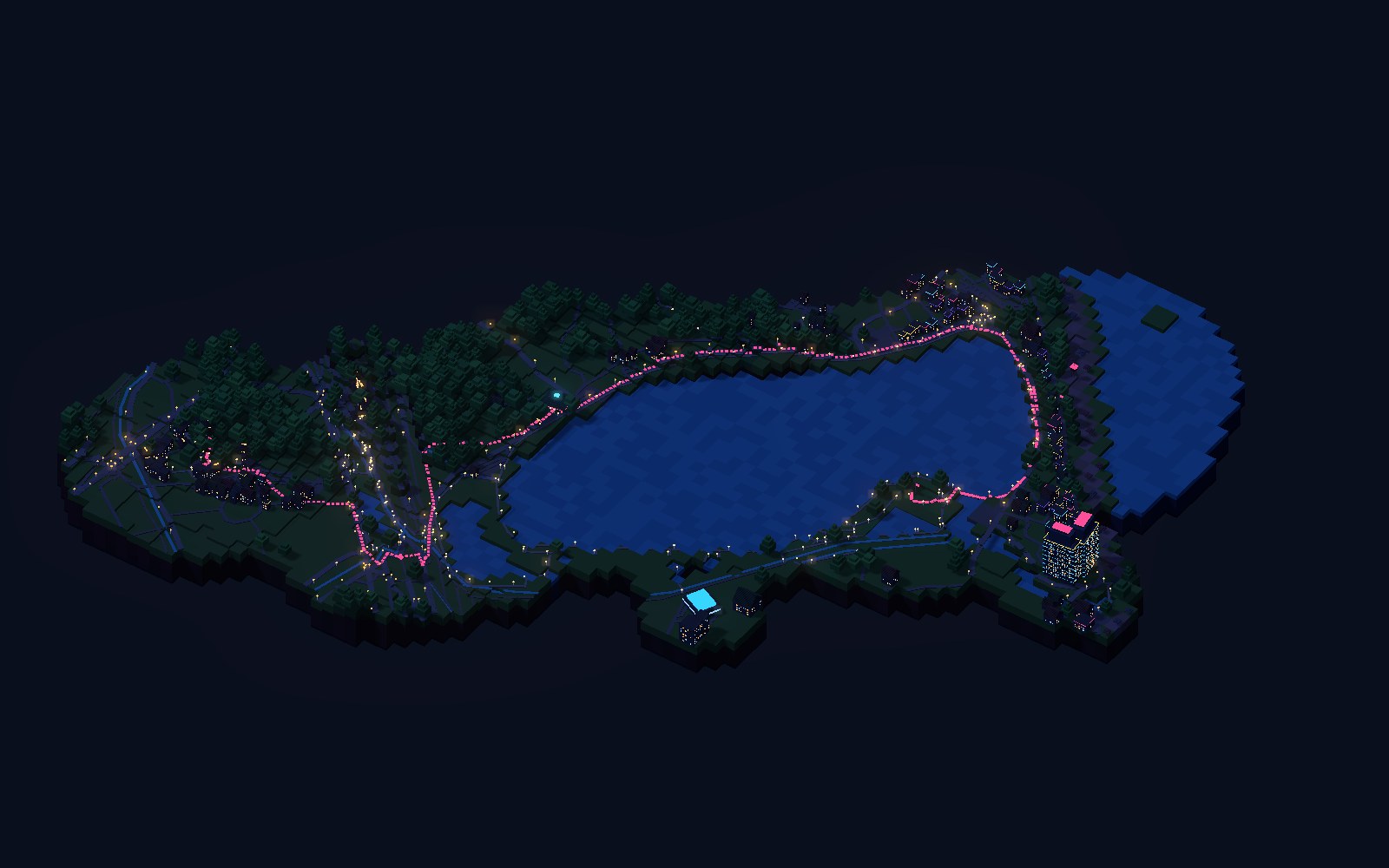
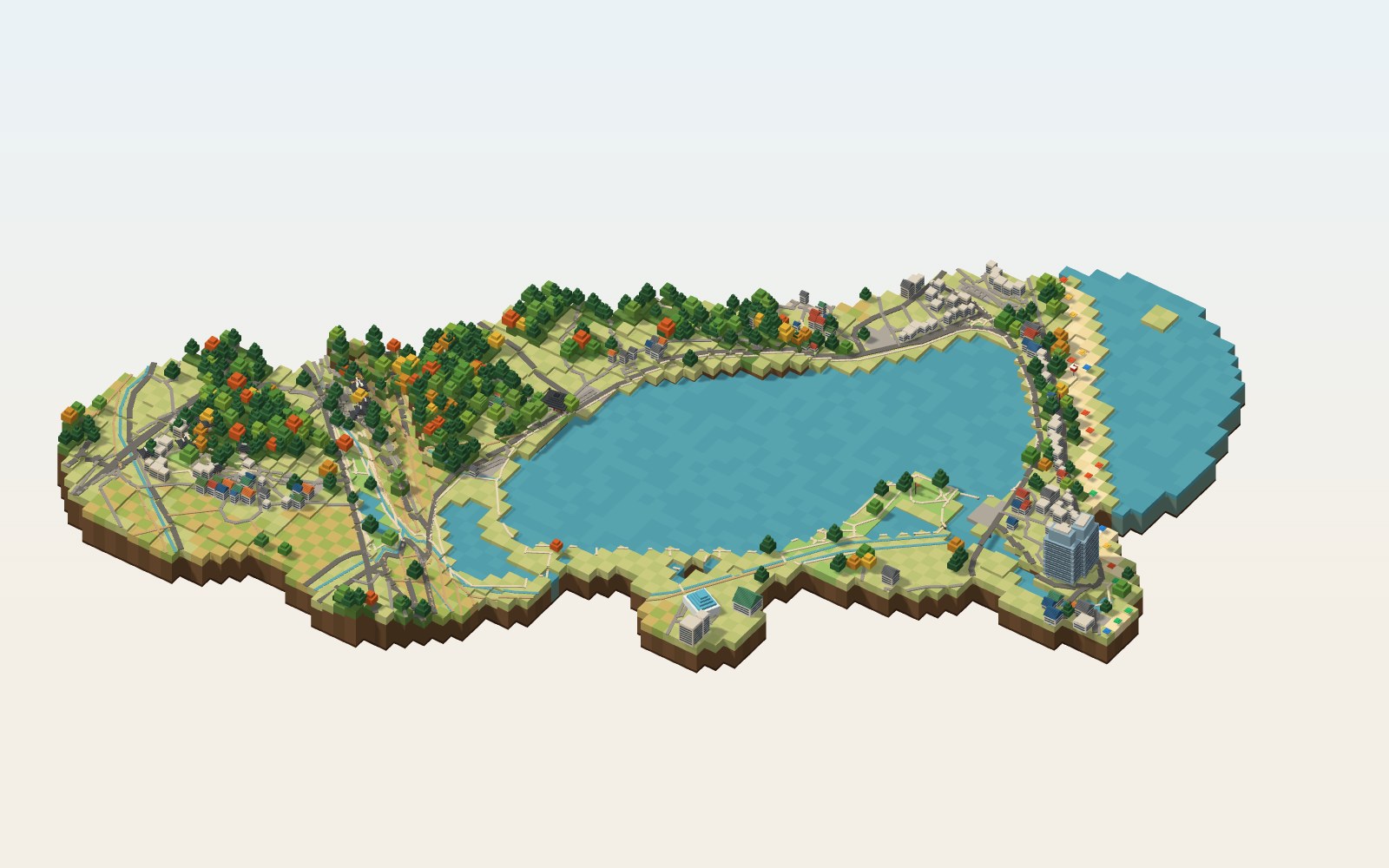
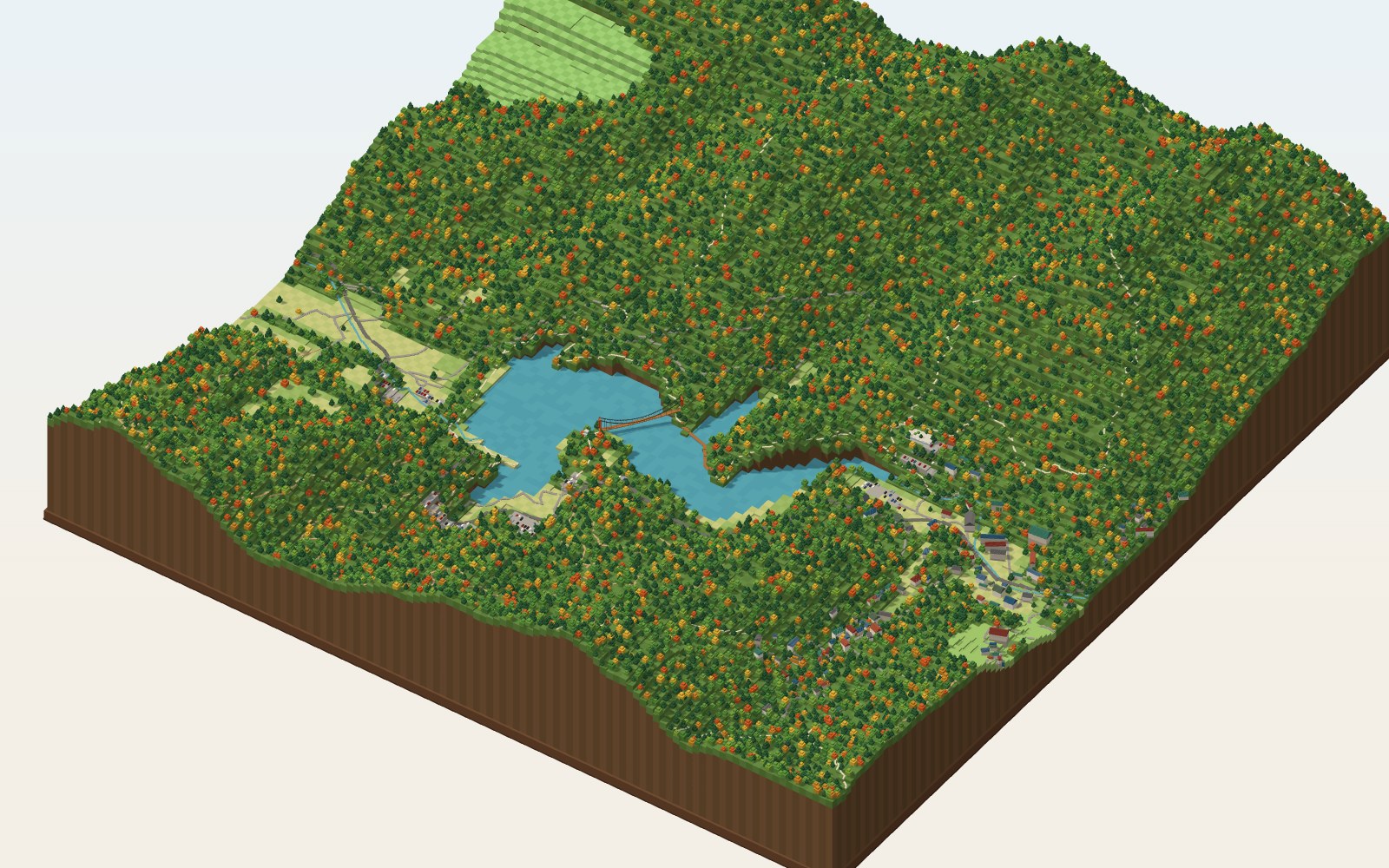
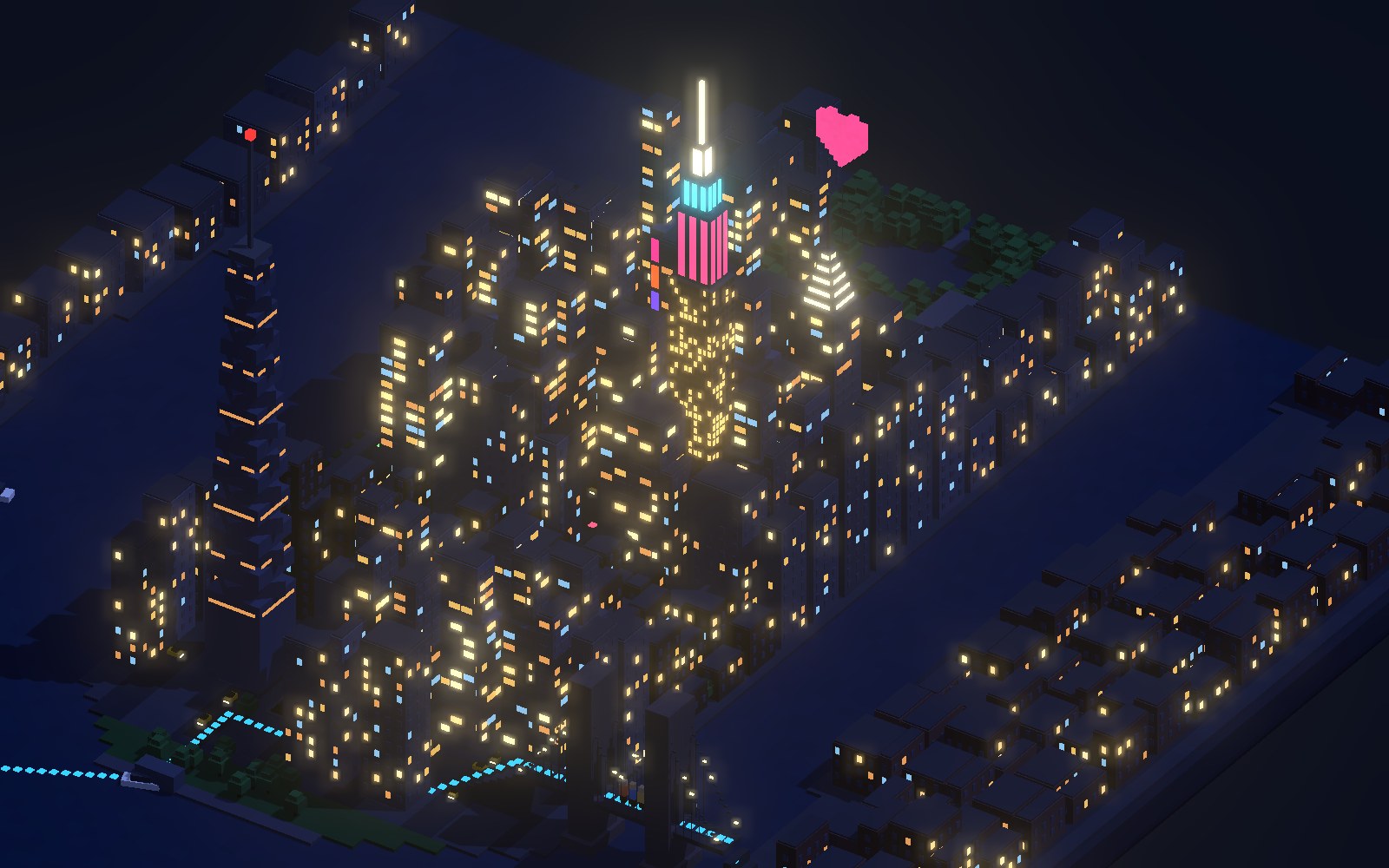
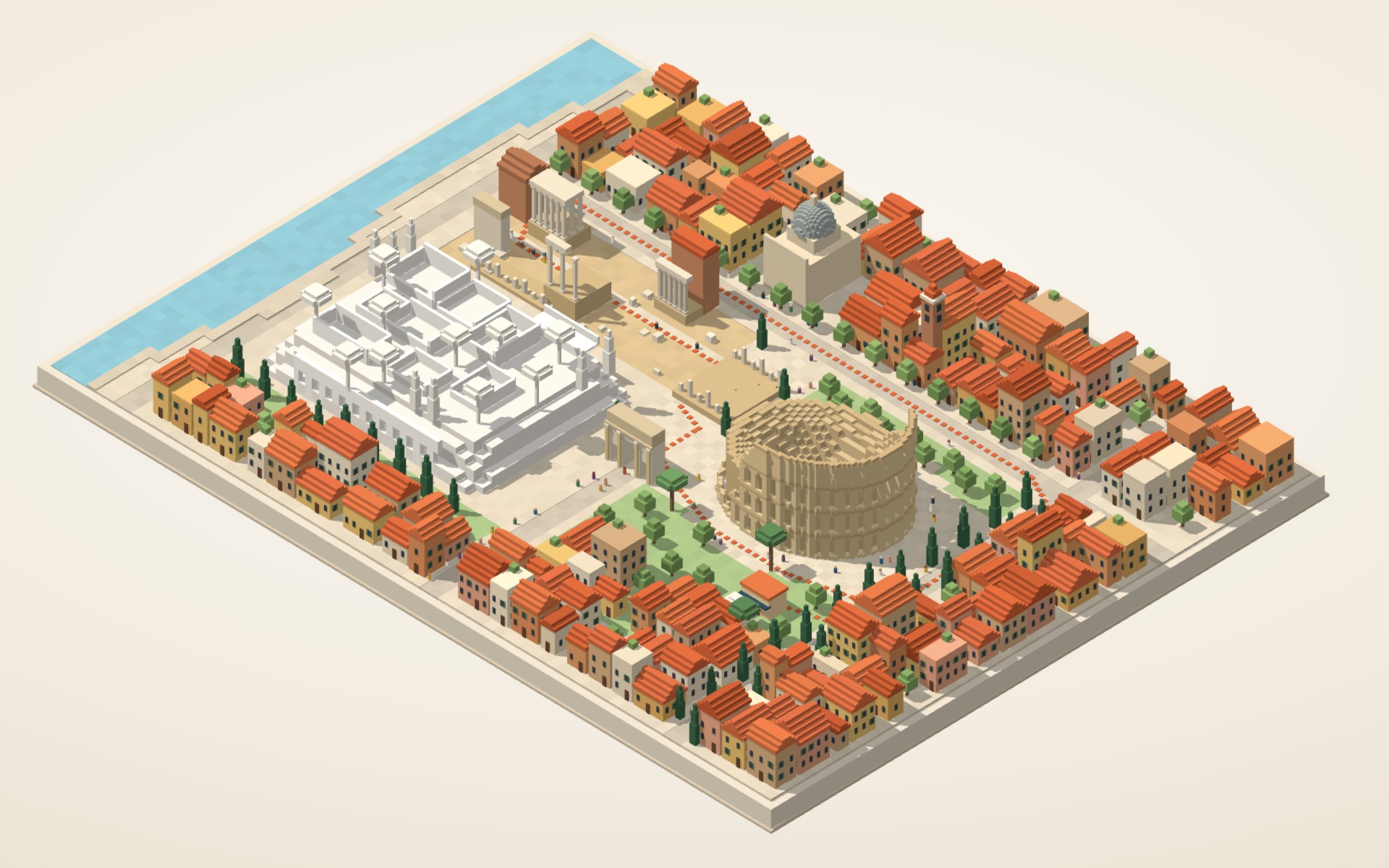
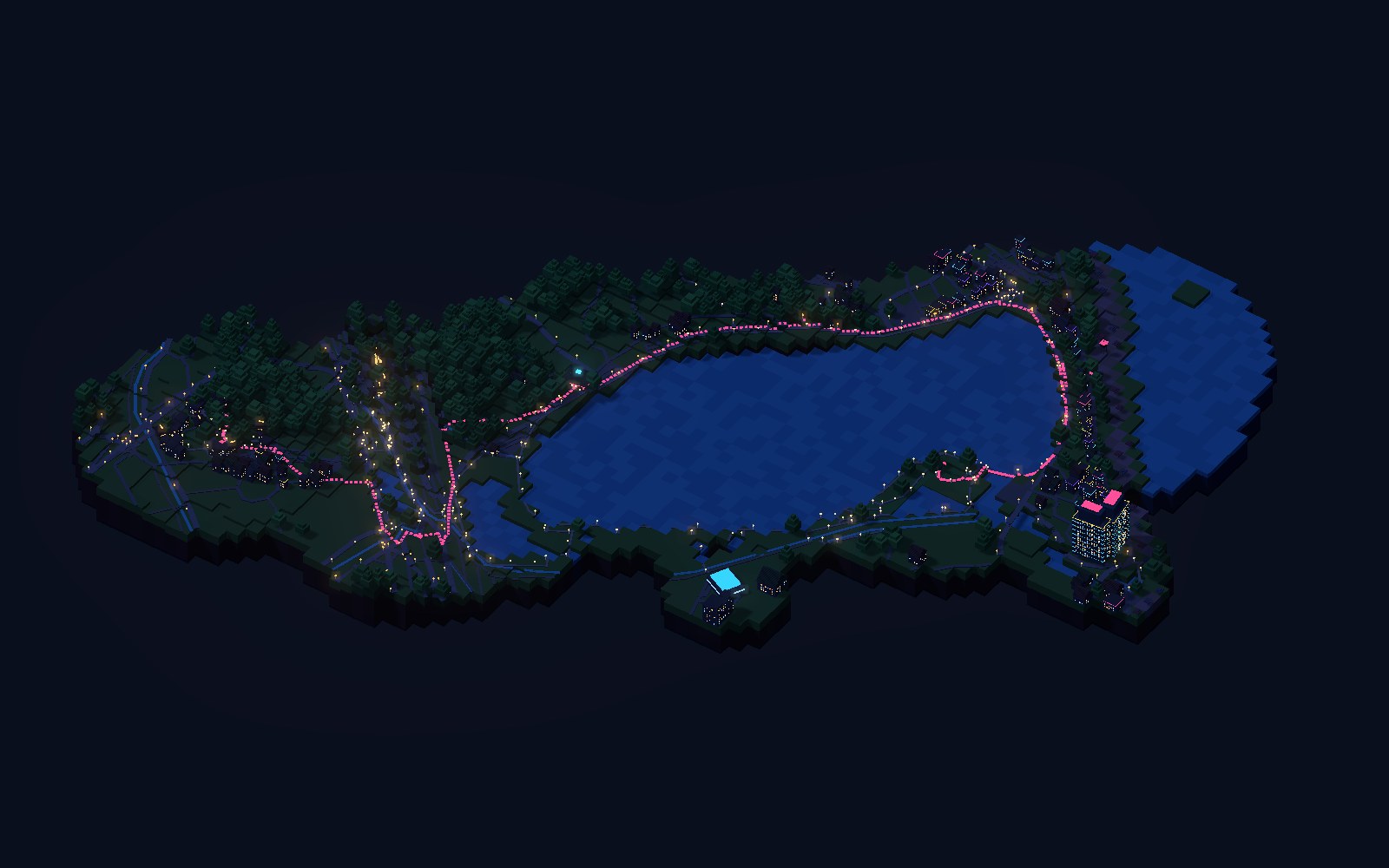
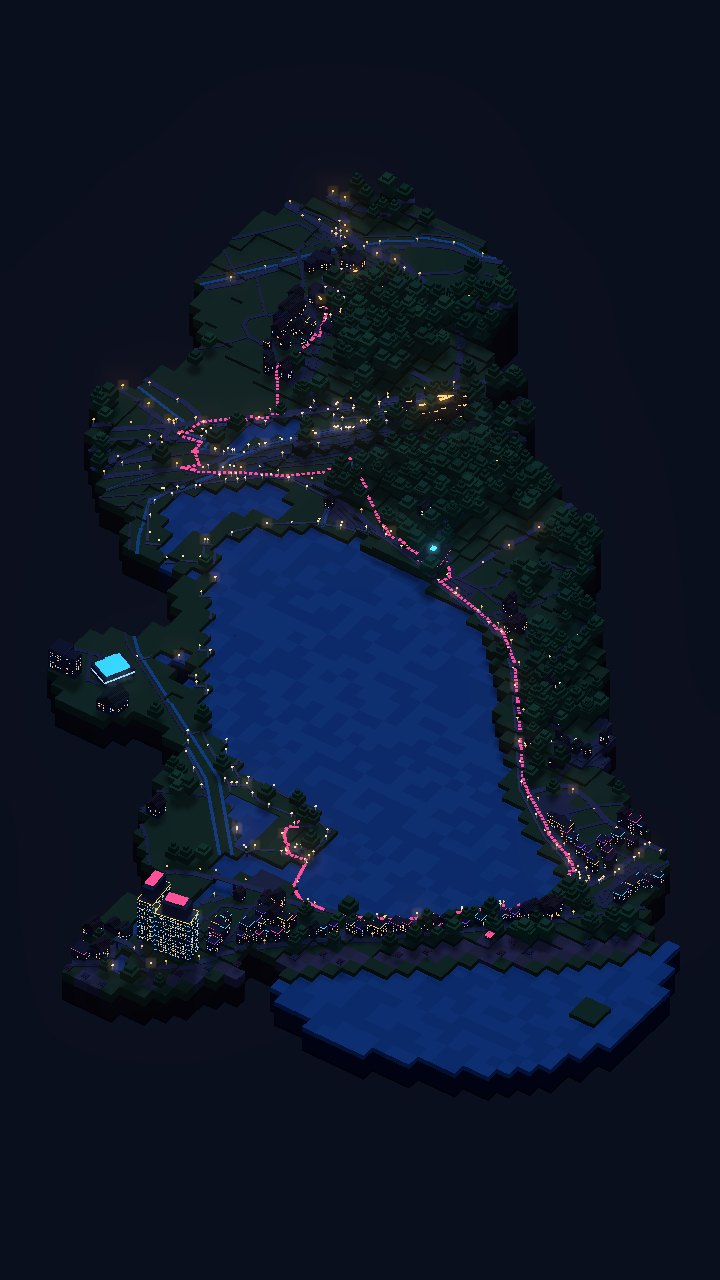
Before you go, the model is dark. Each place lights up once you have been there, and the day’s path joins them in light. Scroll to see it.
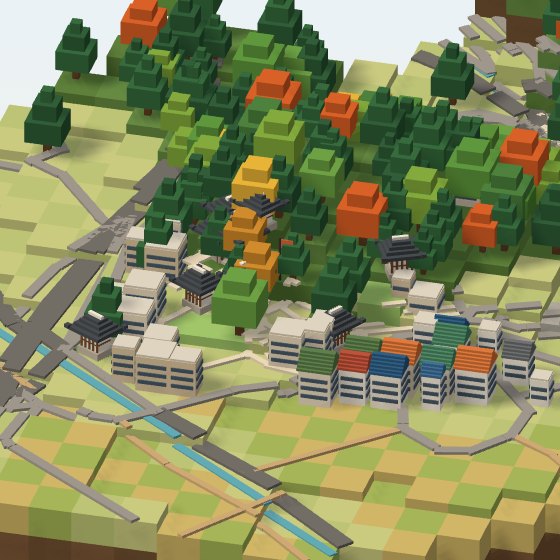
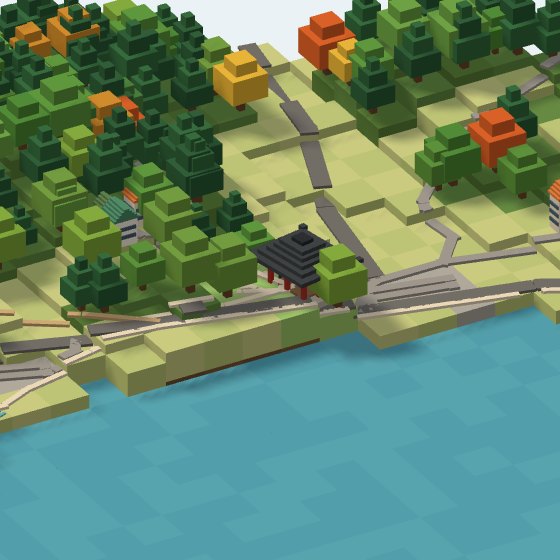
Built with the hanok asset, chosen from map tags and building names.
The map tags it as a pavilion shelter, so a pavilion asset stands here. Its pillars and ridge glow.
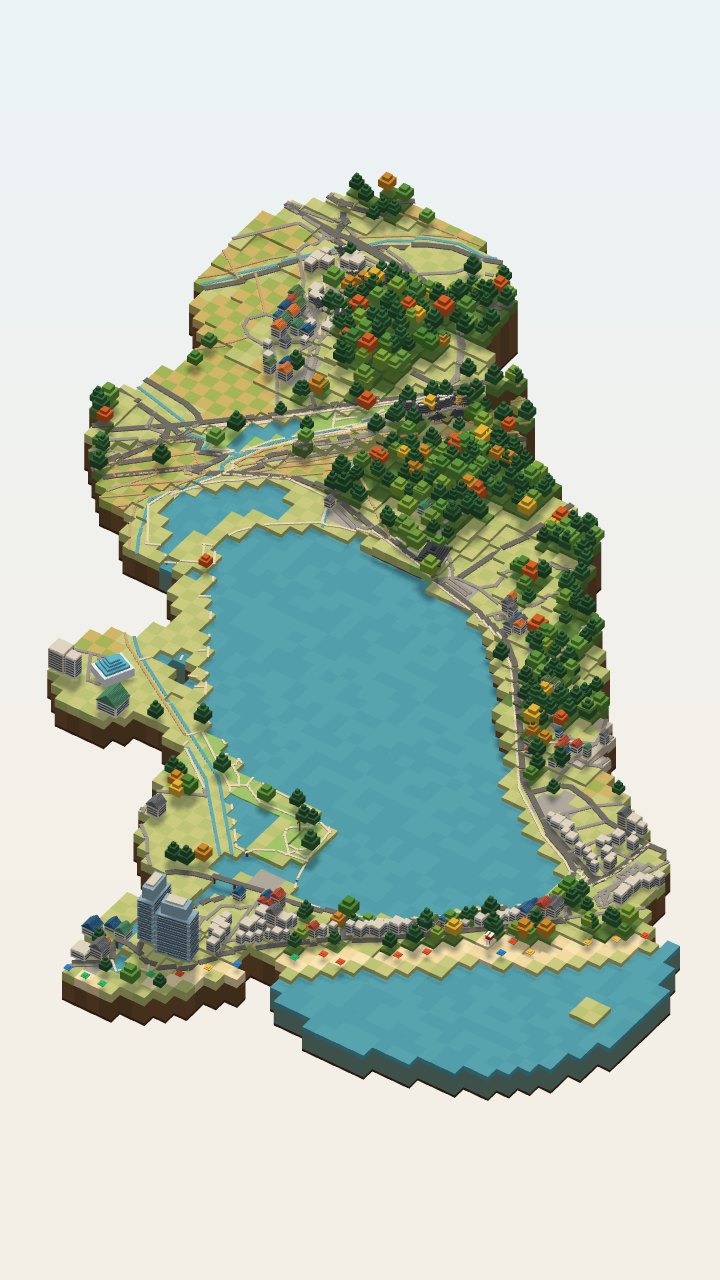
A lake the route touches keeps its shoreline too.
Sand beaches get parasols and a lifeguard tower.
When the day ends, the whole path lights up and your photos and voice notes land where they happened.
On the trip, your phone quietly collects photos, voice notes, pin memos and the path you walked. Back home, each one lands on the model where and when it happened. No sorting needed.
Your plan and model arrive on your phone. Set the trip dates and logging runs only during them.
Your path is logged on low power and photos come straight from your library. Voice notes and memos take one tap, right where you are.
Upload on Wi-Fi and everything lands in place on its own. Drag anything to move it, or leave it out.
Placed at the nearest stop from where and when it was taken. Photos without a location go where you were at that time.
Pinned where you recorded it, with a one-line transcript.
Pinned where you wrote it. Drag it later if you like.
Your phone’s location log is snapped to the model’s paths. Anywhere you stayed 15+ minutes is suggested as a stop.
Originals stay in your storage; the model only gets small thumbnails. Location logging runs only during the trip and can be turned off any time.
Not a thousand photos, one neighbourhood from that day. Your day becomes a short video, story, feed post or thread in a tap, and friends with the link can turn the model without the app.
 Ojukheon
 Gyeongpodae
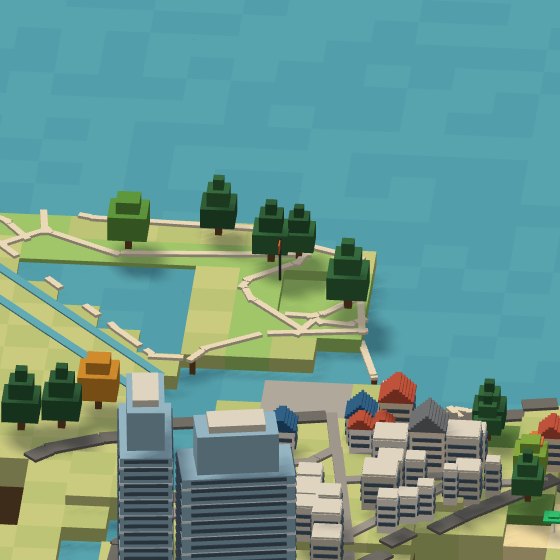 Lake loop
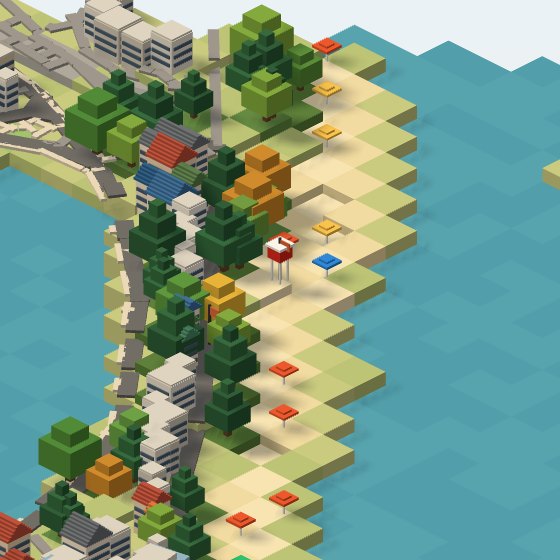 Waves!
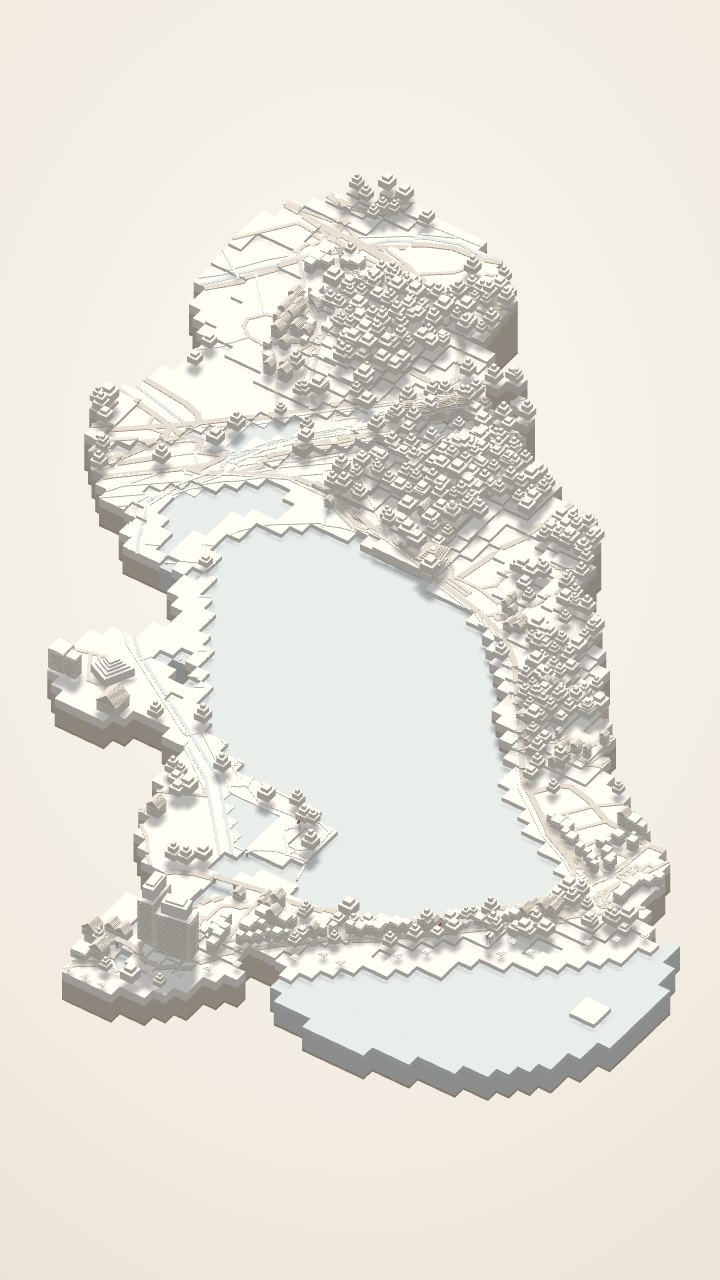
White plaster gets painted, night falls, the walked path lights up and polaroids drop in. Toggle the effects.
Where Mom lingered longest'26 10 11 10:42The breeze feels so good'26 10 11 13:12A café we never planned, 25 min'26 10 11 14:48The waves, saved on Mom’s phone'26 10 11 16:52The model first, then a polaroid and memo for each stop, and the day in numbers to close.
Speciai drafts a caption from the day’s memories in three tones. Edit and post.
Friends with the link turn the model without the app and tap polaroids to see photos and memos. Only the memories you pick are shown, and you can switch the link off any time.
When Mom adds photos from her own phone, the same model is painted in both your colours.
On the same day next year, the model lights up again: “A year ago today, you walked 6.9 km around Gyeongpo Lake.”
Post the still-white plaster model as a teaser for the next trip. Friends can pin places you should go.
Print the scene you posted as a postcard or poster, or 3D-print the model for your desk.
Concept · sample data · Instagram and Threads are trademarks of their owners, named here only to show where you can share
A style is not a colour filter. The same plan is rebuilt with each asset’s own variant.
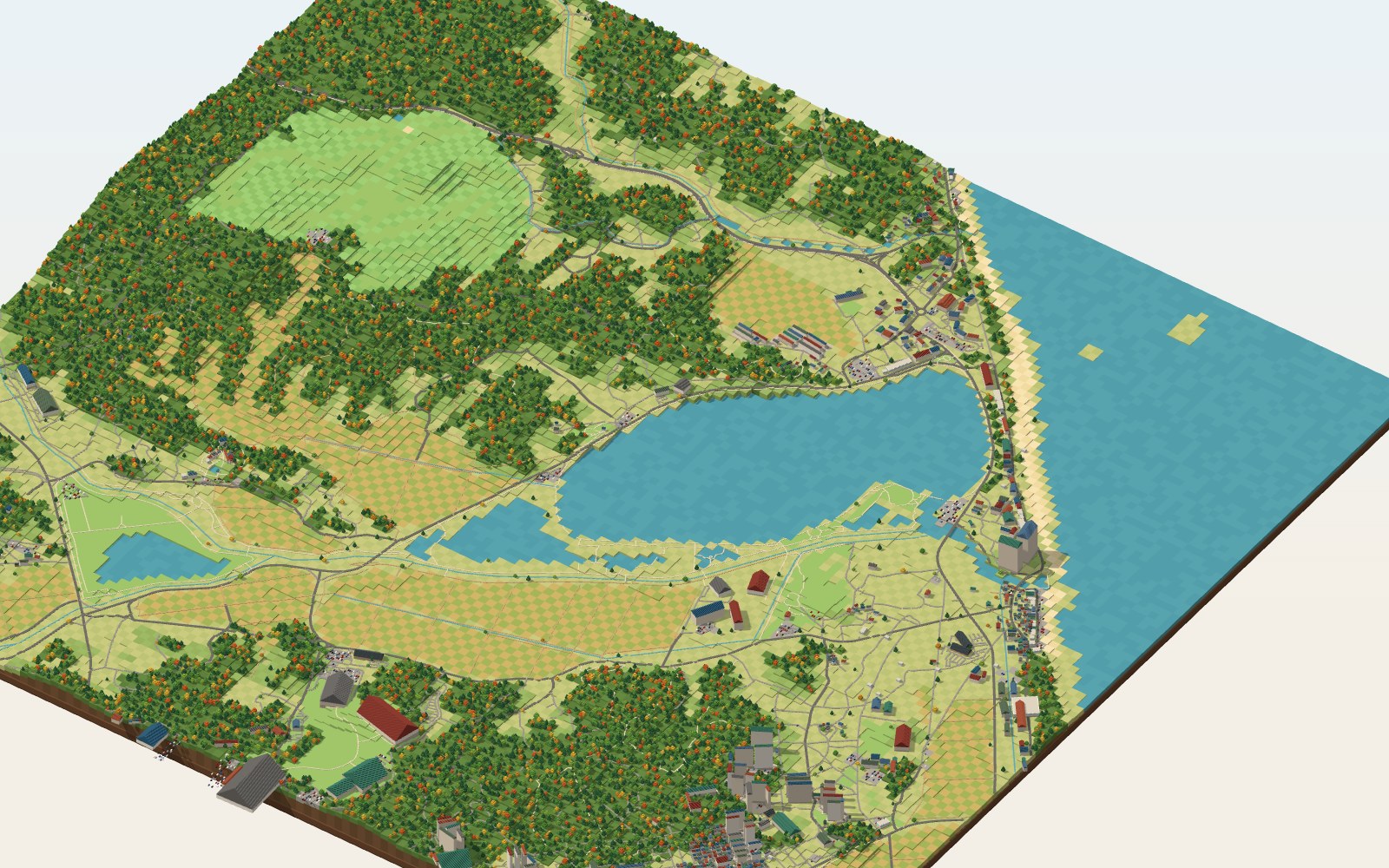
We start from open map and elevation data and build with rules. The numbers below are the real values from generating Gangneung Day 1 automatically.
Keep the silhouette and change the lights, pattern, spire and window pixels. Send it to friends with one link.
Going somewhere soon? Join as a tester and we will build yours first.